

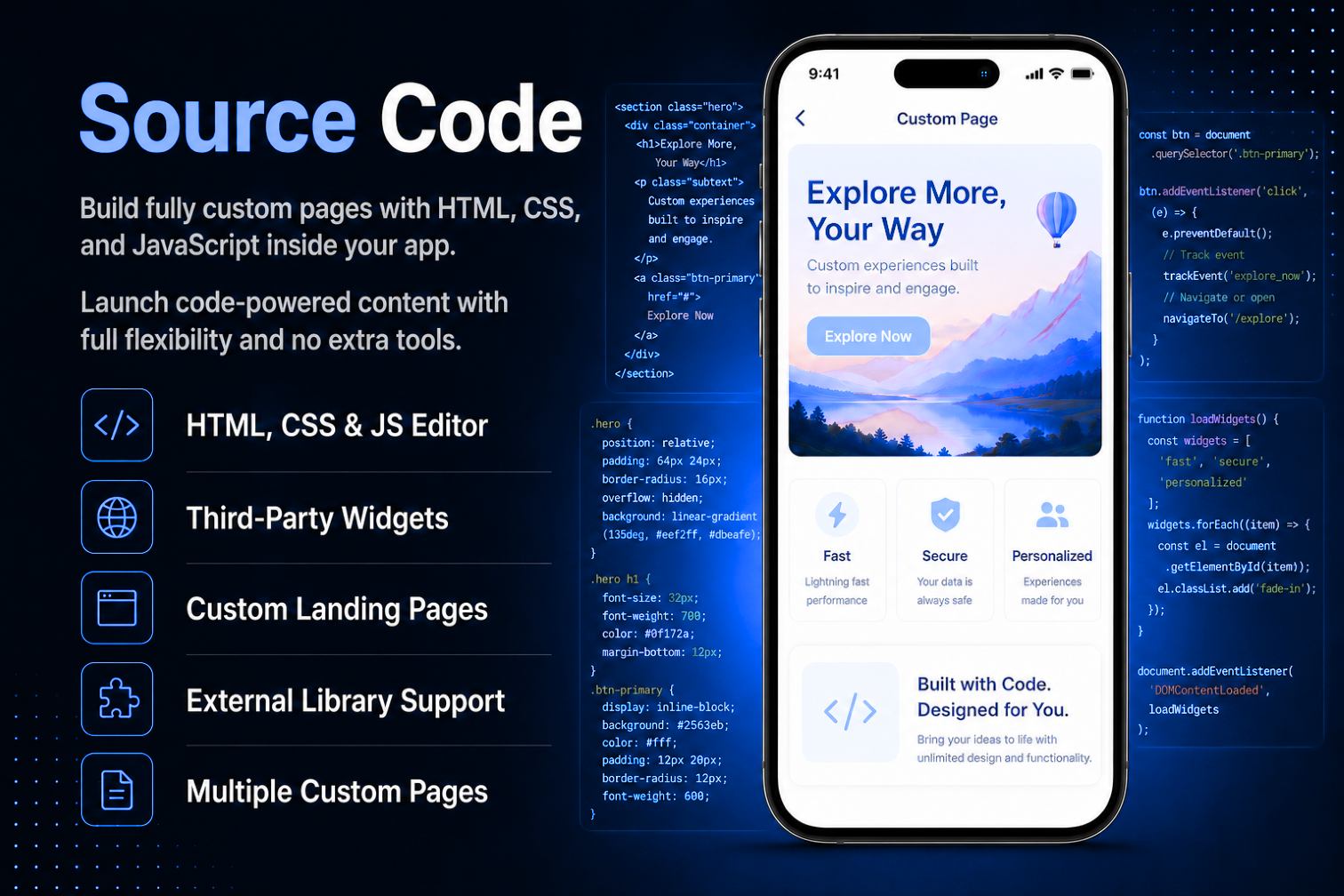
Break free from standard templates and build exactly what your app needs. The Source Code module gives you a built-in code editor to create fully custom pages using HTML, CSS, and JavaScript rendered live inside your app as a native page. No server needed, no extra tools, just pure creative freedom.Embed third-party widgets, load external libraries via CDN, create custom landing pages, build promotional pages with unique designs, or integrate any embeddable tool like Google Maps, Calendly, or YouTube. Add the module multiple times for multiple independent custom pages each with its own title, code, and status. Set any page to inactive while building and activate it when ready.
The admin panel gives you a clean, simple code editor with three fields — page title, code, and status. Write or paste your HTML, CSS, and JavaScript directly into the editor and save. The page title appears as the navigation header when users open it. Set the page to Inactive while building and testing — activate it when ready and it goes live in the app immediately without any app update. Add the module multiple times to create multiple independent custom pages, each with its own code and status.
Users open the Source Code page from the app navigation and see exactly what the admin has built — a fully rendered custom page displayed inside the app just like a standard web page. All standard interactions work as expected — buttons, links, forms, dropdowns, and input fields. JavaScript animations, dynamic content, and form validation all function normally. External links open in the device browser and internal anchor links scroll within the page — giving users a smooth, complete browsing experience without ever leaving the app.
All features available as soon as the module is unlocked. No extra configuration.






All features available as soon as the module is unlocked. No extra configuration.









Everything you need to know about AppMin CMS
The module supports HTML5, CSS, and JavaScript — including external CDN libraries loaded via script or link tags, and third-party content embedded via iframe tags. Server-side languages such as PHP, Python, or Node.js are not supported as the page runs entirely client-side inside a WebView.
Yes — any tool that provides a standard HTML embed code or iframe can be added directly into your source code. Simply paste the embed code into the editor and it will render inside the app exactly as it would in a browser.
Yes — the Source Code module can be added multiple times in the same app. Each instance is completely independent with its own title, code, and status — and appears as a separate page in the app navigation.
Changes go live immediately after saving — no app rebuild or update is required. You can also set the page to Inactive while editing and activate it when ready to publish.
The WebView renders whatever it can and silently ignores errors — the same behaviour as a standard browser. Broken code may cause the page to display incorrectly or not at all, so it is important to test the page before setting it to Active.
Join 2,400+ businesses, agencies and resellers already building with AppMinCMS. Pick your path and start today.
Everything you need to build, launch and grow
Built for every type of business — pick your use case

Please enter your name and email below, and we’ll send you your demo platform link, username, and password directly to your inbox. Explore our platform and discover how it can transform your business!

Our team will contact you soon!
Still having trouble?
Our team will get you set up right away
Your lifetime plan request has been received. Our team will contact you shortly.

WE’LL CONTACT YOU AT
Usually within 24 hours
If you don’t hear from us, please check your spam folder or wait up to 24 hours.
Still having trouble?
Our team will get you set up right away
Your request has been received. Our team will contact you shortly.
WE’LL CONTACT YOU AT
Usually within 24 hours
If you don’t hear from us, please check your spam folder or wait up to 24 hours.
Still having trouble?
Our team will get you set up right away
Your free trial account has been created.
Check your inbox to get started.
Login details sent to
Usually arrives within 1–2 minutes
If you don't see it, check your spam or junk folder, search for "AppMinCMS", or wait up to 5 minutes.
Still having trouble?
Our team will get you set up right away
Pay once. Own it forever — no monthly fees, no surprises.
By signing up you agree to our Terms of Service and Privacy Policy. We never share your data with third parties.
Tell us a little about your business, deployment needs, and Enterprise requirements. This takes around 3 minutes and helps us recommend the right setup.
These services are available by agreement and may affect the final Enterprise proposal.
Our team will review your requirements and contact you personally with the next steps. For Enterprise requests, we usually recommend a short call so we can understand your deployment needs, support expectations, app volume, and license structure properly.