
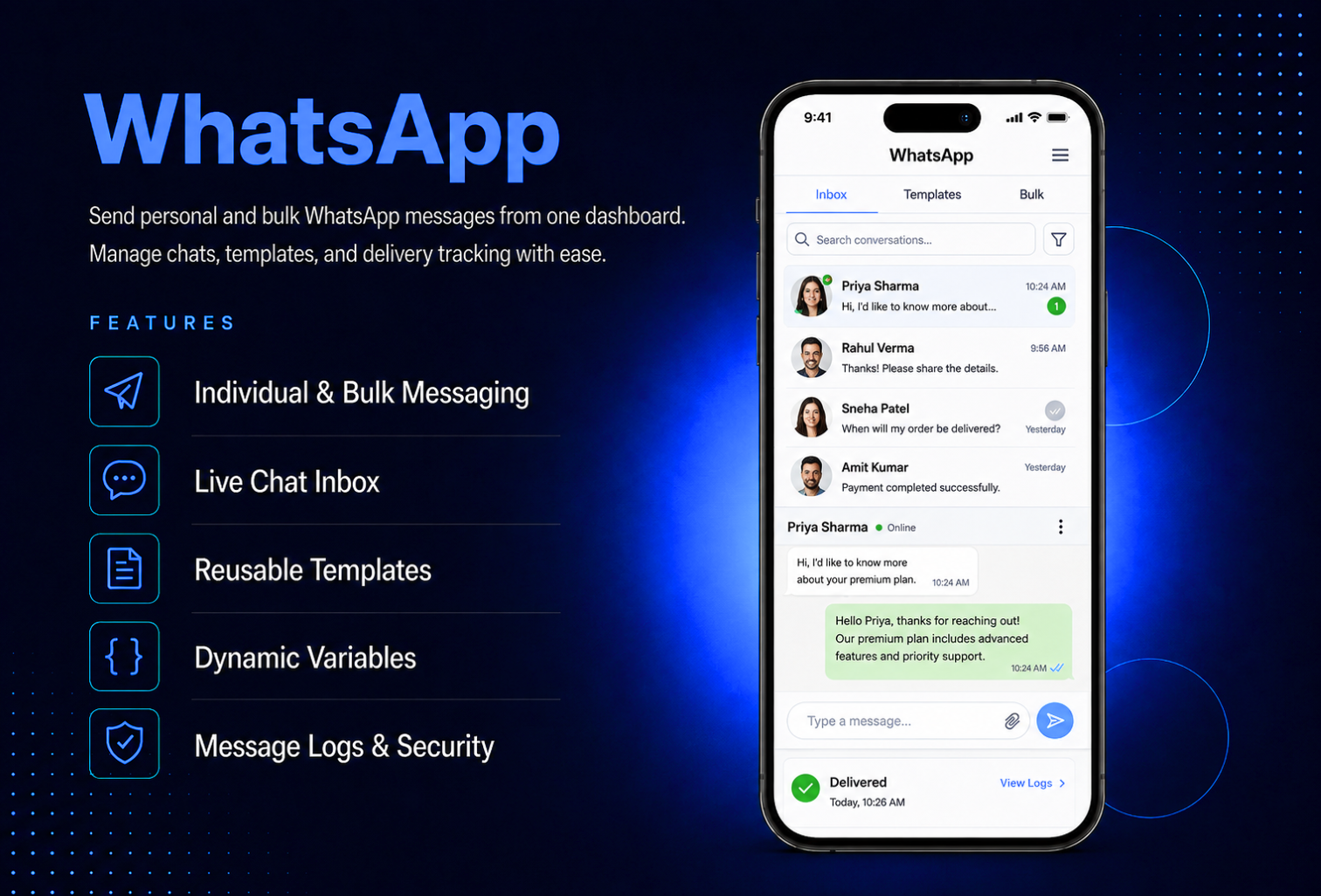
Turn your app into a fully functioning real estate marketplace in minutes. Property Listing lets users browse, search, filter, and favorite properties while also posting their own listings for sale or rent. Every user submission goes through your approval flow before going live, keeping your marketplace clean and professional.Admin manages the full listing catalog, property types, amenities, and filter options all from the MAB dashboard. Users message listing contacts directly inside the app, track their viewing history, and manage their own submitted listings with real-time status updates. Push notifications keep both admins and users informed at every step from listing approval to new messages.
The admin panel gives you complete control over your property marketplace. Add, edit, and delete listings directly — each with title, description, property type, purpose, price, bedrooms, bathrooms, area size, up to 15 photos, amenities, and contact details. Review all user-submitted listings from the Pending Approvals queue — approve to publish or reject with a reason, and the user is notified automatically via push notification. Manage your marketplace vocabulary — add custom property types, amenities with icons, and configure price range steps, bedroom options, and bathroom filter options. Control user permissions per account — disable listing posting for specific users or block users entirely to hide all their listings and prevent new submissions.
Users open Property Listing and see a clean, scrollable list of active properties — each card showing the cover photo, title, price, city, bedrooms, bathrooms, and property type. A pinned search bar and Filters button let users narrow results by purpose, property type, price range, bedrooms, and bathrooms in seconds. Tap any listing to view the full detail screen — swipeable photo gallery, full description, amenities with icons, area size, contact card, and a Message button to start a conversation directly. Save any property to Favorites with one tap, view the full Visiting History of previously browsed listings, and post a personal listing — which goes live only after admin approval.
All features available as soon as the module is unlocked. No extra configuration.





All features available as soon as the module is unlocked. No extra configuration.







Everything you need to know about AppMin CMS
When a user submits a listing from the app, it is set to Pending Approval and is not visible to other users. Admin reviews it in the dashboard and either approves it — making it publicly visible — or rejects it with an optional reason. The user receives a push notification in both cases. Rejected listings can be edited and resubmitted, which resets the status to Pending Approval.
Yes — each property detail screen includes a Message button that opens a direct chat thread with the listing contact. For admin-posted listings, messages go to admin. For user-posted listings, messages go to the posting user. Both parties receive push notifications for every new message, and admin also receives an email notification.
Yes — each user account has a posting permission toggle. Disable it for specific users to hide the Add Listing option from them. You can also block a user entirely, which hides all their active listings and prevents any new submissions.
Each listing supports up to 15 photos. A minimum of one photo is required to submit or publish a listing. Photos are uploaded from the device camera or gallery and compressed automatically before upload.
Yes — from the My Listings screen, users can mark their own active listing as Sold or Rented, which updates the status badge on the listing. Users can also delete their own listings at any time from the same screen.
Join 2,400+ businesses, agencies and resellers already building with AppMinCMS. Pick your path and start today.
Everything you need to build, launch and grow
Built for every type of business — pick your use case

Please enter your name and email below, and we’ll send you your demo platform link, username, and password directly to your inbox. Explore our platform and discover how it can transform your business!

Our team will contact you soon!
Still having trouble?
Our team will get you set up right away
Your lifetime plan request has been received. Our team will contact you shortly.

WE’LL CONTACT YOU AT
Usually within 24 hours
If you don’t hear from us, please check your spam folder or wait up to 24 hours.
Still having trouble?
Our team will get you set up right away
Your request has been received. Our team will contact you shortly.
WE’LL CONTACT YOU AT
Usually within 24 hours
If you don’t hear from us, please check your spam folder or wait up to 24 hours.
Still having trouble?
Our team will get you set up right away
Your free trial account has been created.
Check your inbox to get started.
Login details sent to
Usually arrives within 1–2 minutes
If you don't see it, check your spam or junk folder, search for "AppMinCMS", or wait up to 5 minutes.
Still having trouble?
Our team will get you set up right away
Pay once. Own it forever — no monthly fees, no surprises.
By signing up you agree to our Terms of Service and Privacy Policy. We never share your data with third parties.
Tell us a little about your business, deployment needs, and Enterprise requirements. This takes around 3 minutes and helps us recommend the right setup.
These services are available by agreement and may affect the final Enterprise proposal.
Our team will review your requirements and contact you personally with the next steps. For Enterprise requests, we usually recommend a short call so we can understand your deployment needs, support expectations, app volume, and license structure properly.