Build Native iOS, Android & Web Apps — All from One CMS

iPhone · Android · Web · With your church’s name on it

Your church.
On their phone.
Create a church app, no code.

Your own app, in your church’s logo and colours. Members see services and events, catch up on every sermon and hear your news first.

Next: create your account, then add your church

  • No code
  • Ready-made features
  • 30-day trial
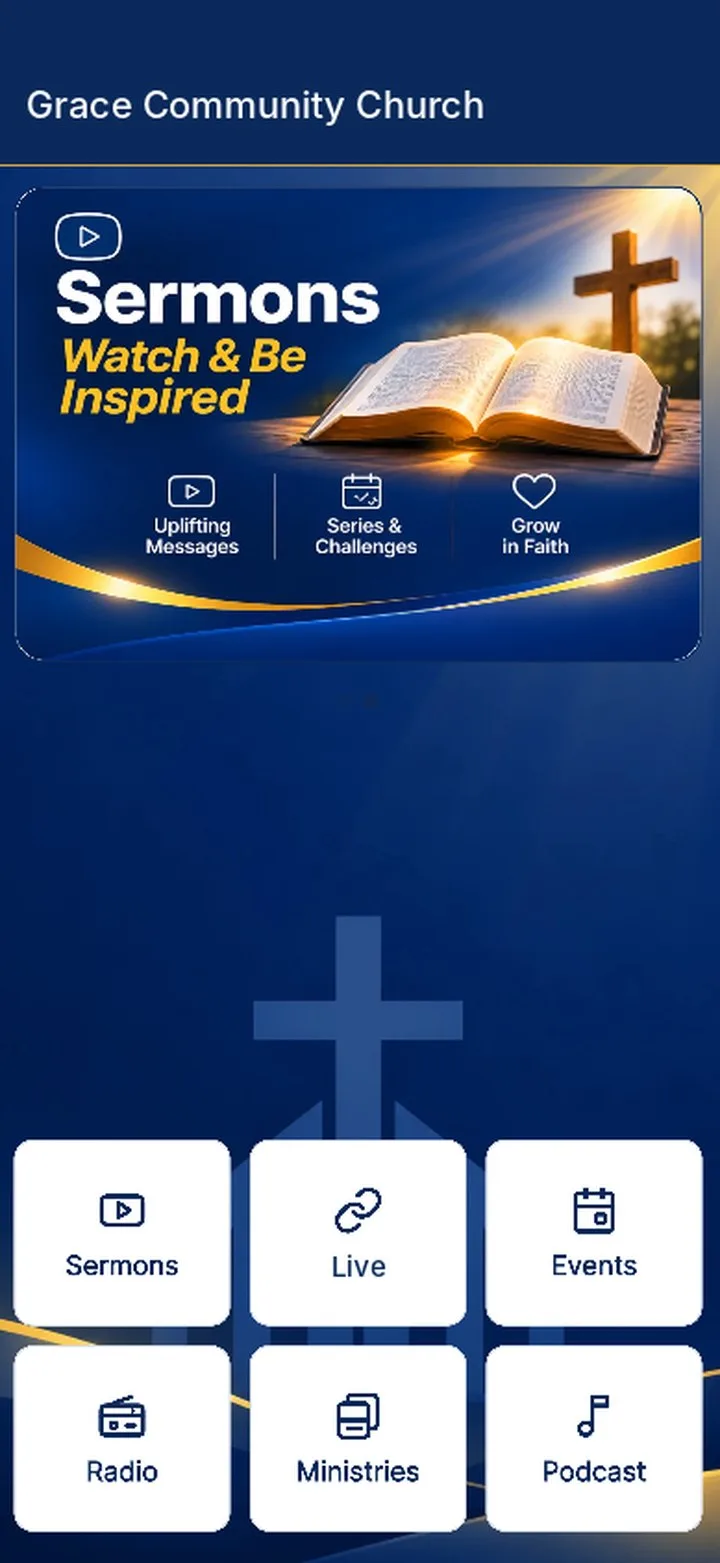
Grace Community Church’s services and events in the app
church-app-events.jpgPhone screen
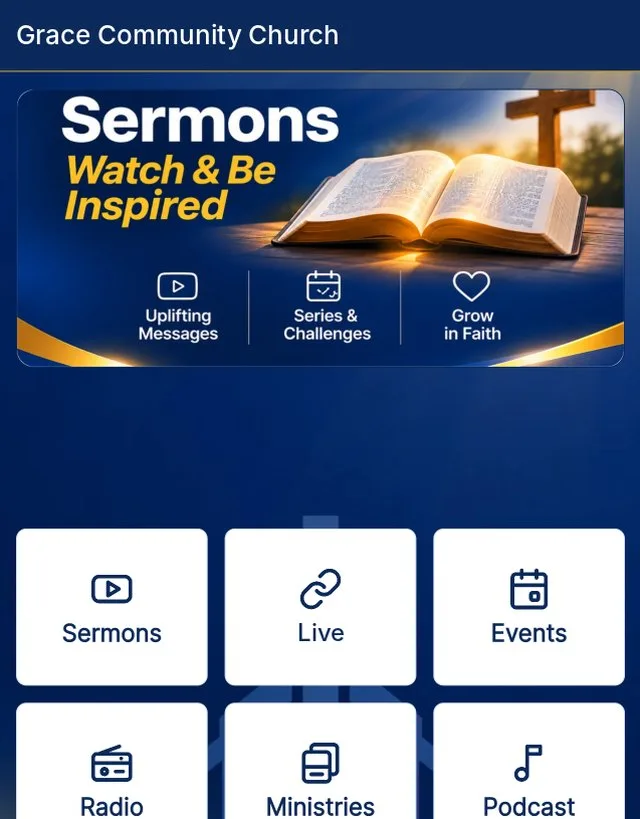
Church app home screen for Grace Community Church: services, sermons, notices, prayer, groups and gallery
church-app-home.jpgPhone screen
Grace Community ChurchYour name on their phone
iPhone · Android · WebWith your name on it
Made forChurchesMinistriesYouth groupsChoirsChurch radioConventions
Your app oniPhoneAndroidWeb
What your members see

Services. Sermons.
News from you.

Your members open your church app, not a busy social feed. They see what’s on, catch up on sermons and hear your news first.

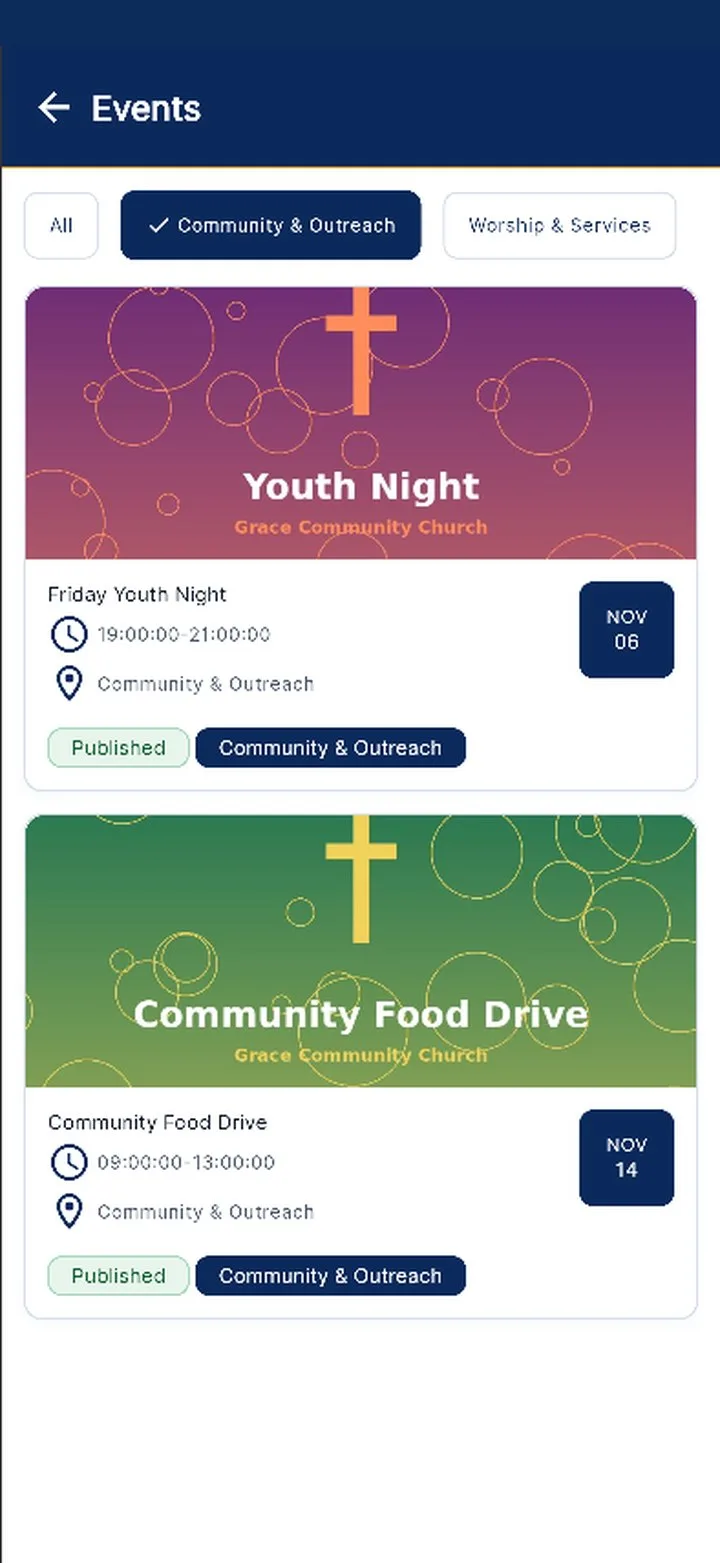
Services and events in the app, with the Sunday Service details
church-app-events.jpgPhone screen
01

Services and events.

Sunday services, youth nights and special events. Members see every date, time and place, so they don’t miss them.

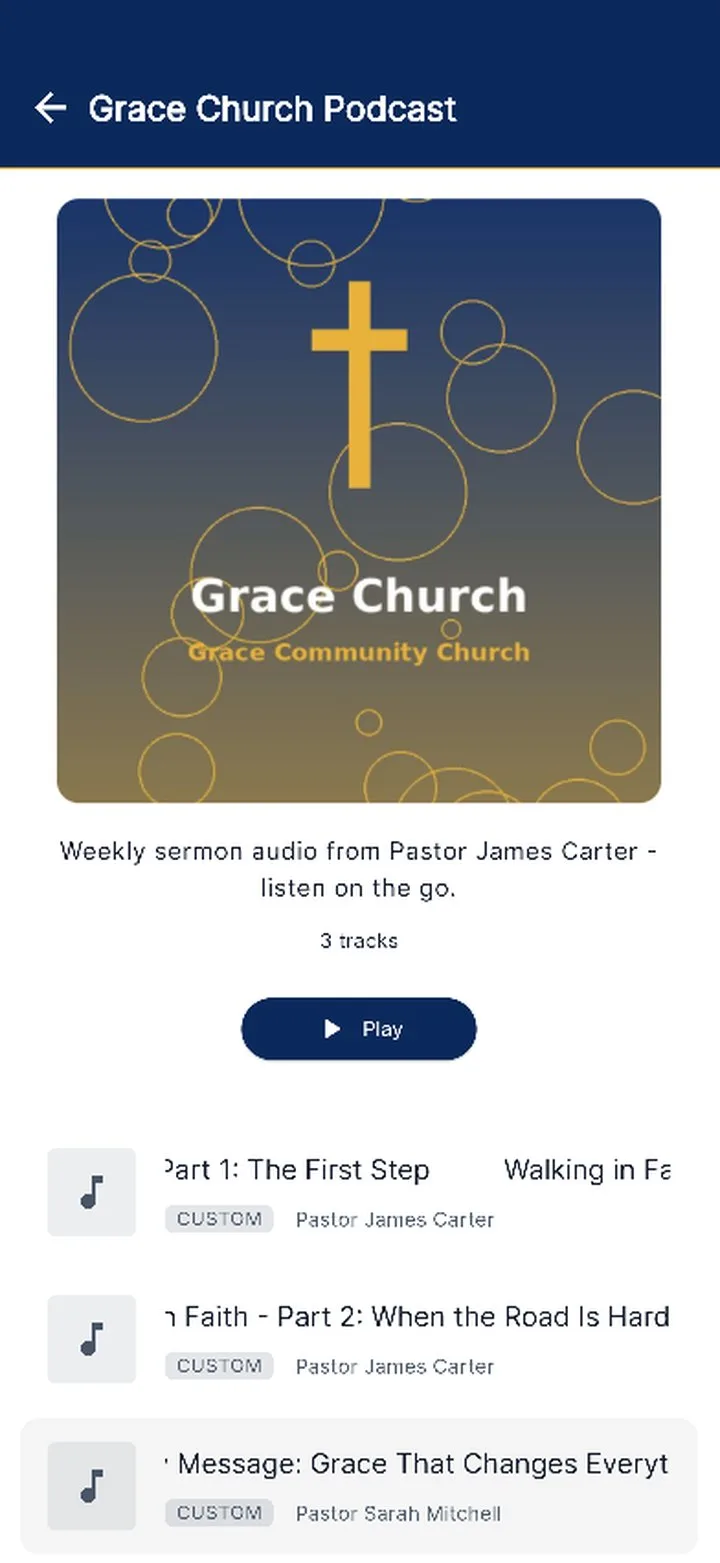
Sermon series playing as a playlist in a church app
church-app-sermons.jpgPhone screen
02

Every sermon.

Each sermon series as a playlist, so members catch up any time, even when they miss a Sunday.

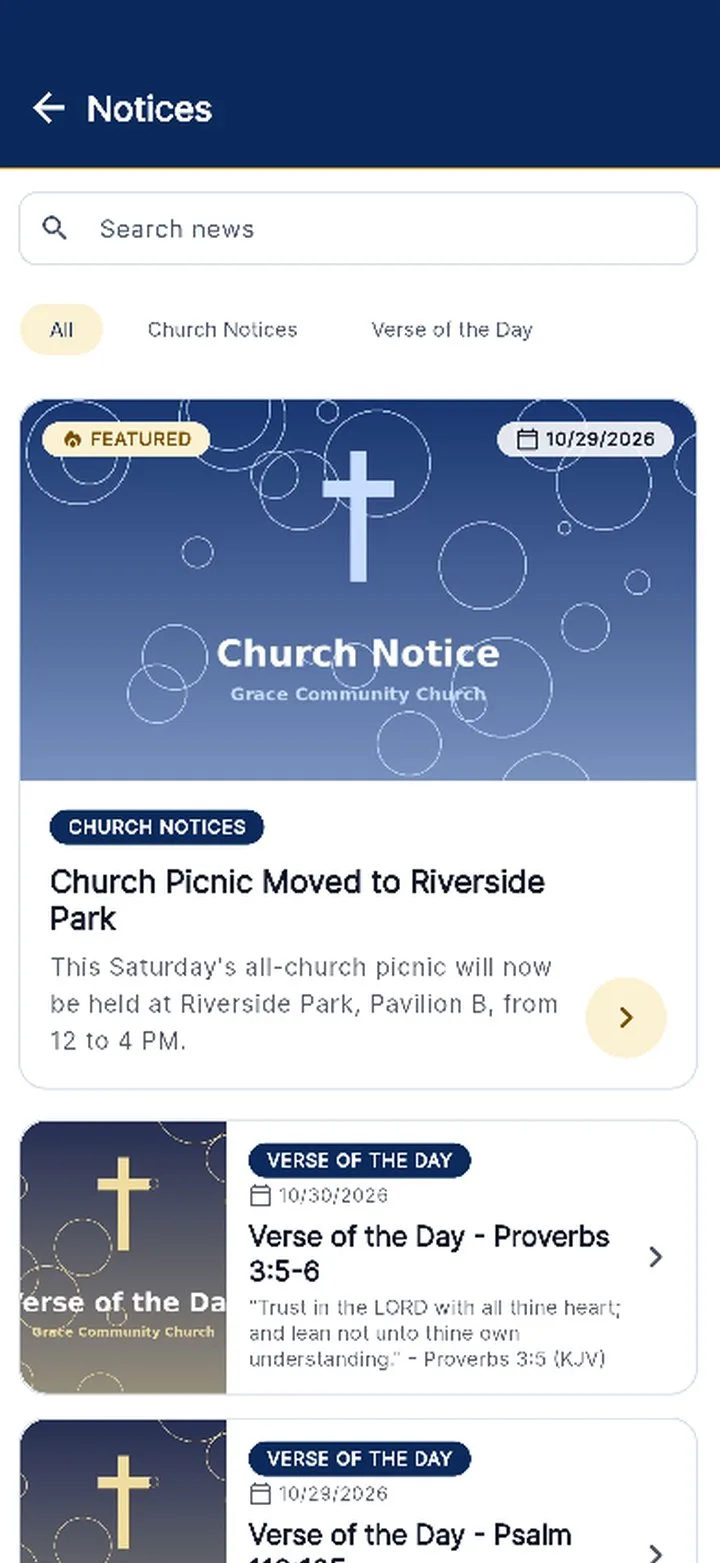
Notices in the app: carol service on 20 December and Youth Night
church-app-notices.jpgPhone screen
03

News from you.

Notices like the carol service date, inside your app. Members can send a prayer request from their phone too.

For you and your team

Run your church app
from one dashboard

Services, sermons and notices are run from one dashboard, on a computer or a tablet. Volunteers can help as team members.

Grace Community Church · Events
01

Every service and event in one list

Add Sunday services, youth nights and special events with a date, time, venue and photo. Members see them all in one list.

  • Sort events into types such as services, youth and groups
  • Speakers and venues for bigger events and conventions
  • Reminder notifications before an event
Grace Community Church · Notices
02

Post a notice in a minute

Write a title and a short summary, add a photo and publish. It shows in your app straight away.

  • Feature the most important notice at the top
  • Coloured categories such as notices, youth and groups
  • Save a draft and publish when it is ready
Grace Community Church · Sermons
03

Sermon series as playlists

Keep each sermon series as a playlist with its own cover, so members can catch up any time.

  • Bring in the episodes from your podcast feed
  • Or add each recording by its link
  • Add your church’s YouTube videos too
How it works

How to create an app for
your church in three steps

No developer, no code. If you can post on social media, you can build your church’s app.

App editor · Design
Grace Community ChurchYour app
LOGO & COLOURS
01

Add your logo and colours

Pick a template or start blank, so your app looks like your church.

Live preview of the church app while features are chosen
church-app-home.jpgPhone screen
02

Pick what your members need

Choose from ready-made features: events, sermons, notices, prayer requests and more, with a live preview.

Church app opened from a QR code on the notice board
church-app-home.jpgPhone screen
Scan to open the appLink or QR code on the notice board
iPhoneAndroidWeb
03

Go live on iPhone, Android and the web

Share your web app by link or QR code. Your church publishes its iPhone and Android apps under its own developer accounts.

Ready to build your church’s app?Next: create your account, then add your church
Pick from ready-made features

Church app features
your members use

Start with services, sermons and notices. Add prayer requests, groups and a photo gallery when you are ready.

The church app on an iPhone
church-app-home.jpgPhone screen
Grace Community Church
The same church app open in a web browser
church-web-app.jpgWeb app screen
The church app on an Android phone
church-app-events.jpgPhone screen
iPhone · Android · Web

Your app, with
your name on it

  • Your logo on their home screen.

    Your church’s icon sits next to the apps your members use every day.

  • Your colours on every screen.

    No other organisation’s name on the app, only your church’s.

  • Members hear from you directly.

    Your notices reach them in your app, not lost in a busy social media feed.

  • Built by your team, without code.

    A visual editor with a live preview, and ready-made features to grow into.

  • Change it whenever you like.

    Post a notice, add a sermon or a new event. No developer needed.

iPhone appAndroid appWeb app by link or QR code

Need a hand? Chat with us on WhatsApp and we help you choose the right features.

Use cases

An app for every part
of church life

Every church is different. Pick the features that match what your members already do with you, and add more later.
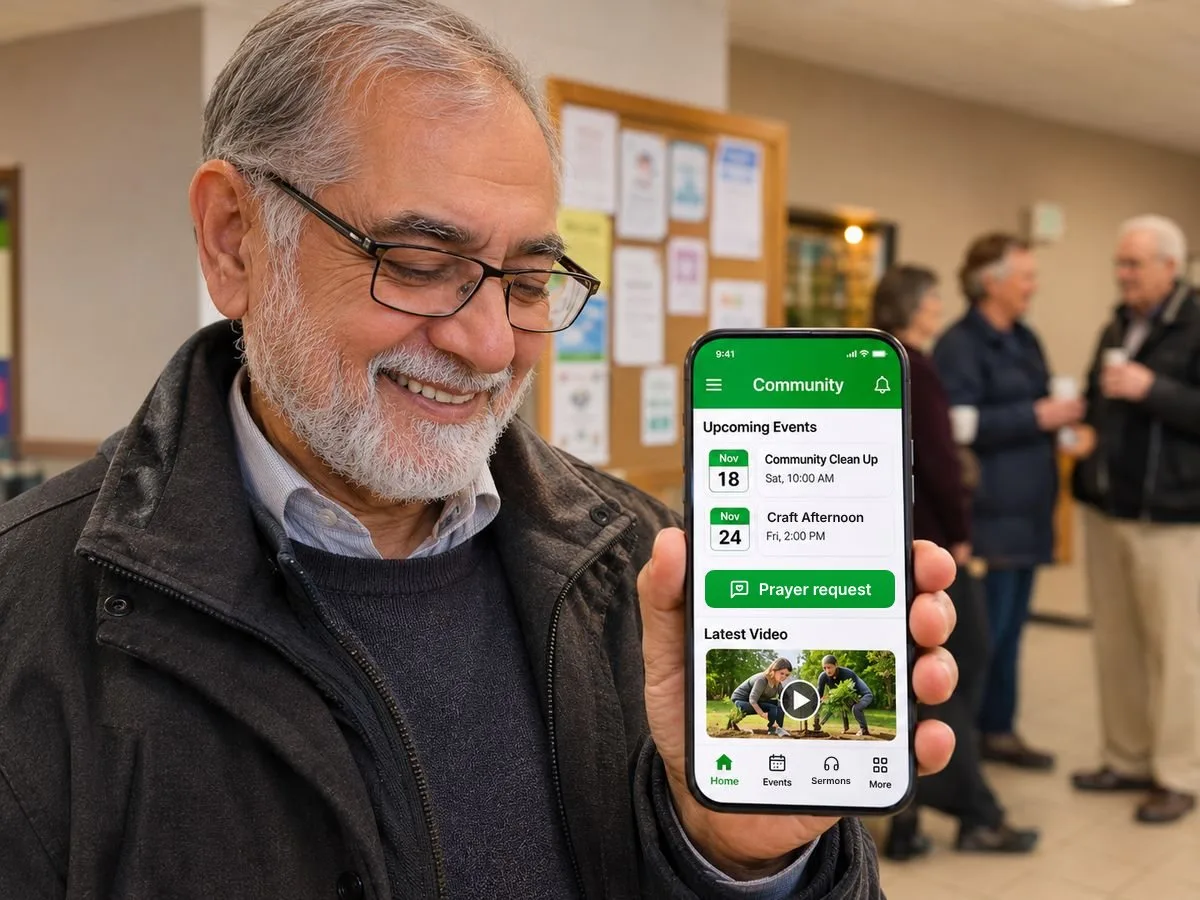
A church member looking at upcoming events in his church’s app
uc-church.jpg
Church app

Churches

Services and events, every sermon and the week’s notices, with your church’s name on it.
EventsSermonsNotices
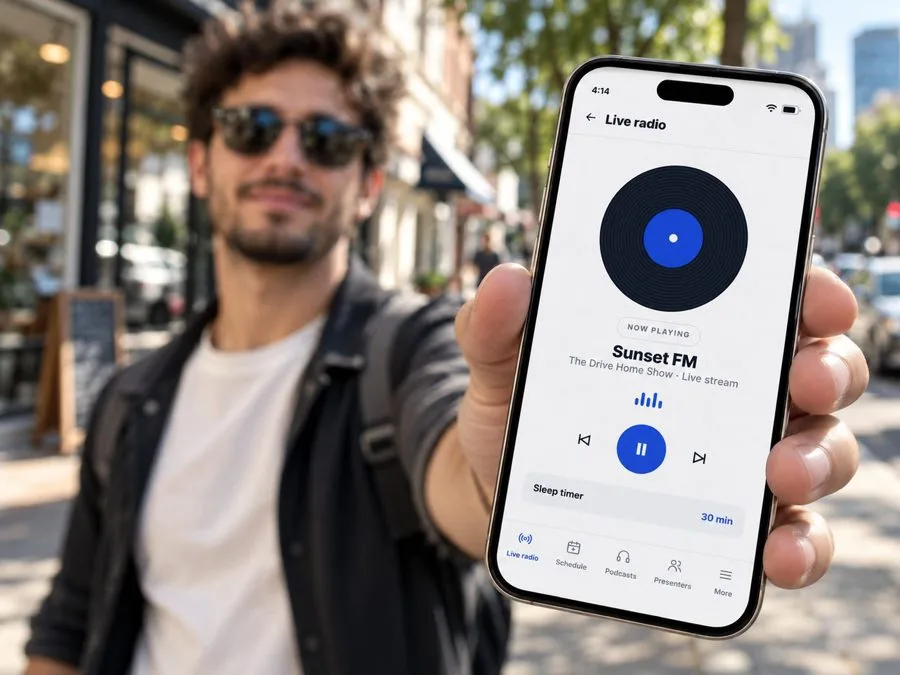
A listener with a station’s radio app on his phone
uc-radio.jpg
Radio app

Church radio stations

A live player for your station’s stream, the programme schedule and your podcasts.

Radio apps
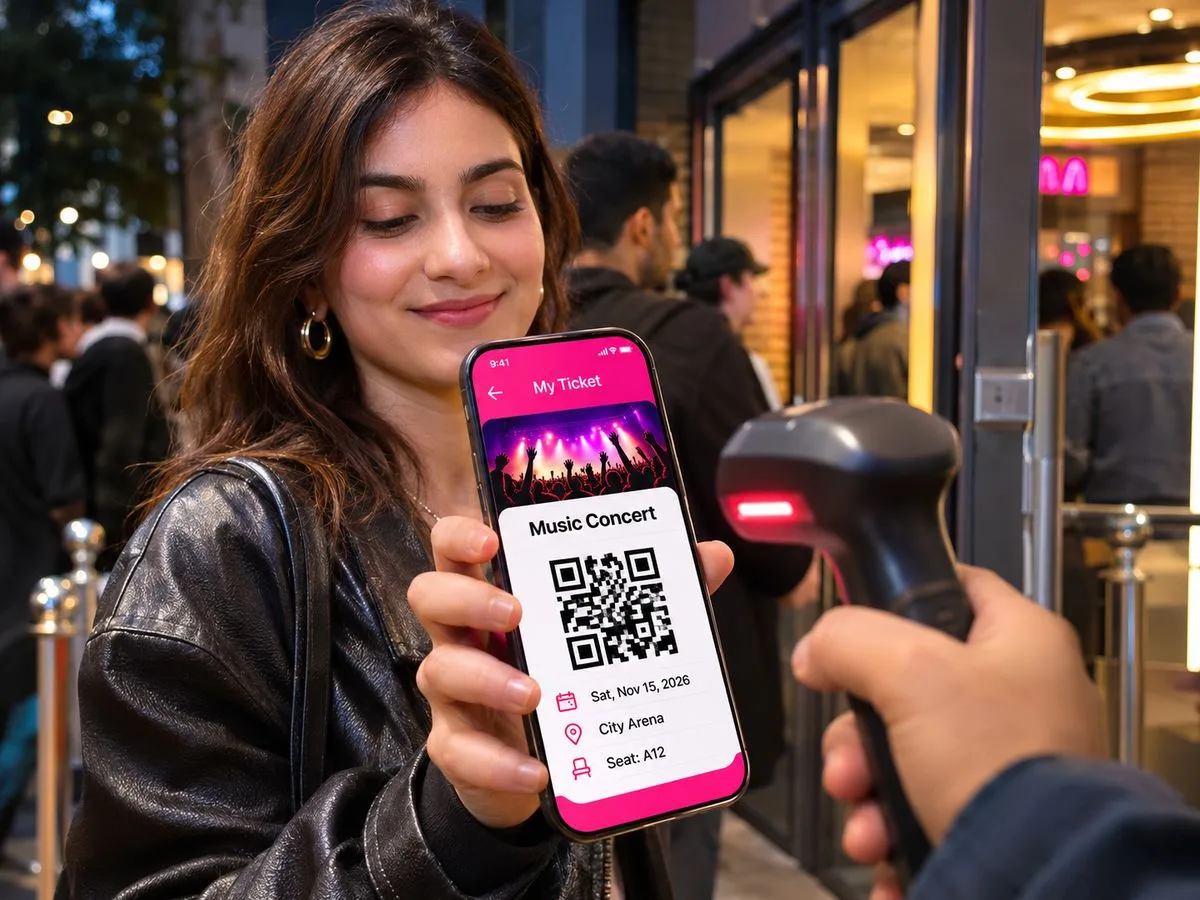
An event ticket with a QR code being scanned at the door
uc-event.jpg
Event app

Conventions and concerts

An agenda, speakers and tickets with a QR code for your convention or worship night.

Event apps

Youth and small groups

A chat room for each group, the dates of the next meetings and sign-up forms.

Choirs and worship teams

Song sheets and rotas in a PDF library, and rehearsal dates in the calendar.

Leaders and volunteers

Files and notes only your leaders can open, and volunteer sign-up forms.

FAQ

Questions
church leaders
ask

Something else on your mind? Ask a real person.

Ask us on WhatsApp More questions
How do I create an app for my church without coding?

Sign up, add your church’s logo and colours, then pick features such as events, sermons and notices. You see every change in the live preview, and no code is needed at any step.

Do we need an app if we already have a website?

Your website is where new people find you. Your app is for the people who already come: this week’s services, the latest sermon and your notices, one tap away. Members can open it from a link or QR code without downloading anything.

Who owns the app and our members’ data?

Your church does. The app carries your church’s name and is published under your church’s own developer accounts. Members sign up in your own app, not on a marketplace. Our privacy policy explains how the data is stored and protected.

Can volunteers help run the app?

Yes. Invite volunteers as team members on your dashboard, so they can post notices, add events and add new sermons. Your church stays the owner of the app.

Can some areas be for members only?

Yes. You choose who can open each feature: everyone, signed-in members, or only the people you select. For example, leaders’ files that only your leaders can see.

Can we use the sermons we already post online?

Yes. Bring in the episodes from your existing podcast feed, or add each recording by its link, and members get every sermon as a playlist. You can also show your church’s YouTube videos in the app.

Will our app be on iPhone and Android?

Yes. Your app runs on iPhone, Android and the web. Share the web app by link or QR code straight away. Your church publishes the iPhone app under its own Apple developer account, and the Android app under its own developer account too.

Do members have to download an app?

No. They can open your web app from a link or a QR code on the notice board. Members who want you on their home screen can install your iPhone or Android app.

How long does it take to set up?

You can have a first version ready in an afternoon: your logo and colours, your service times, a sermon series and this week’s notices. Going live on iPhone and Android takes longer, because each new app is reviewed before it appears for download.

How much does a church app cost?

Your plan covers the app on iPhone, Android and the web; see our plans. To publish on iPhone and Android, your church also needs its own Apple and Google developer accounts, and they charge for those themselves. You can build and test it first with a 30-day trial.

Can members give through the app?

Not inside the app. Your church app is for services, sermons and news. If your church already takes gifts online, you can add a button that opens that page.

Can someone help us set it up?

Yes. Chat with us on WhatsApp and we help you choose the right features and get started.

What features should a church app have?

A good church app has your services and events, your news and notices, and your sermons, all in one place. With AppMinCMS you can add events, news, sermons as audio playlists, a photo gallery, your YouTube videos and forms, such as a prayer request form. You can add or remove features at any time, and your app works on iPhone, Android and the web.

Can our church stream services live in the app?

Yes, as live audio. If your church already streams its services as audio, add the stream link and members can listen in your app. In the iPhone and Android apps it keeps playing when the phone is locked. After the service, add the recording to your sermon playlist. For video, you can show your church’s YouTube videos in the app.

Can we update our church app ourselves after it goes live?

Yes. You add events, notices and sermons yourself from your dashboard, whenever you like. Members see the new content the next time they open the app, without downloading a new version from the App Store or Google Play. You do not need us or a developer for these changes, and nothing has to be sent to Apple or Google again.

iPhone · Android · Web, with your church’s name on it

Your church. Your own app.

Build it yourself from ready-made features, with no code. Start your 30-day trial.

Next: create your account, then add your church

Building apps for clients? See our app builder for agencies

Start your 30-day trial

No card needed.

We'll send your login details to this email — double check it's correct!
Or

You're all set!

Our team will contact you soon!

Still having trouble?

Our team will get you set up right away

You're all set!

Your lifetime plan request has been received. Our team will contact you shortly.

WE’LL CONTACT YOU AT

Usually within 24 hours

If you don’t hear from us, please check your spam folder or wait up to 24 hours.

Still having trouble?

Our team will get you set up right away

Start your 30-day trial

Your church app on iPhone, Android and the web: sermons, events and news. No card needed.

Template / Layout Development

Need a unique app design? Request a custom layout tailored to your brand.

What Do You Need?

CUSTOM TEMPLATE From €199
CUSTOM LAYOUT From €299
Template changes the visual style, colors, and branding. Layout changes navigation, app flow, and content structure.

Preferred Timeline

No rush
1-2 weeks
3-4 weeks
Specific Deadline

Upload attachments — wireframes, screenshots, documents (optional)

Click to upload files PDF · PNG · JPG · DOC · Figma link — max 10MB per file

Custom Module Development

Need a feature that does not exist in our module library?

Preferred Timeline

No Rush
1–2 Weeks
3–4 Weeks
Specific Deadline

Upload Attachments

📎 Click to upload wireframes, screenshots or documents

Estimated Complexity

SIMPLE From €499
MEDIUM From €999
COMPLEX From €1,999
NOT SURE

Book a demo

Please enter your name and email below, and we’ll send you your demo platform link, username, and password directly to your inbox. Explore our platform and discover how it can transform your business!

You're all set!

Your request has been received. Our team will contact you shortly.

WE’LL CONTACT YOU AT

Usually within 24 hours

If you don’t hear from us, please check your spam folder or wait up to 24 hours.

Still having trouble?

Our team will get you set up right away

You're all set!

Your 30-day trial account has been created.
Check your inbox to get started.

Login details sent to

Usually arrives within 1–2 minutes

If you don't see it, check your spam or junk folder, search for "AppMinCMS", or wait up to 5 minutes.

Still having trouble?

Our team will get you set up right away

Lifetime plan

Pay once. Own it forever — no monthly fees, no surprises.

We'll send your login details to this email — double check it's correct!

By signing up you agree to our Terms of Service and Privacy Policy. We never share your data with third parties.

Apply for AppMinCMS Enterprise

Apply for AppMinCMS Enterprise

Tell us a little about your business, deployment needs, and Enterprise requirements. This takes around 3 minutes and helps us recommend the right setup.

  • No payment required
  • Dedicated deployment available
  • Lifetime usage rights for the agreed Enterprise deployment
  • Source code ownership is not included
  • Our team will review your request personally
STEP 1 OF 5

Tell us about you

STEP 2 OF 5

Deployment requirements

Enterprise is designed for a dedicated/private white-label deployment managed by AppMinCMS. You receive your own branded platform experience while AppMinCMS manages the core platform, updates, security, maintenance, and ongoing stability.
STEP 3 OF 5

Additional services

These services are available by agreement and may affect the final Enterprise proposal.

STEP 4 OF 5

Final details

STEP 5 OF 5

Enterprise license understanding

Enterprise includes lifetime platform usage rights for the agreed dedicated white-label deployment.
Lifetime usage rights do not include hosting, infrastructure, support, maintenance, updates, custom development, or custom modules forever.

The following are not included: source code access, source code ownership, server root access, FTP/SFTP access, unmanaged deployment rights, and the right to duplicate or redeploy the platform.

Thank you — your Enterprise request has been received

Our team will review your requirements and contact you personally with the next steps. For Enterprise requests, we usually recommend a short call so we can understand your deployment needs, support expectations, app volume, and license structure properly.

Book a call
Takes around 3 minutes